
梶研 [三次元の歩行軌跡]
2023年05月16日
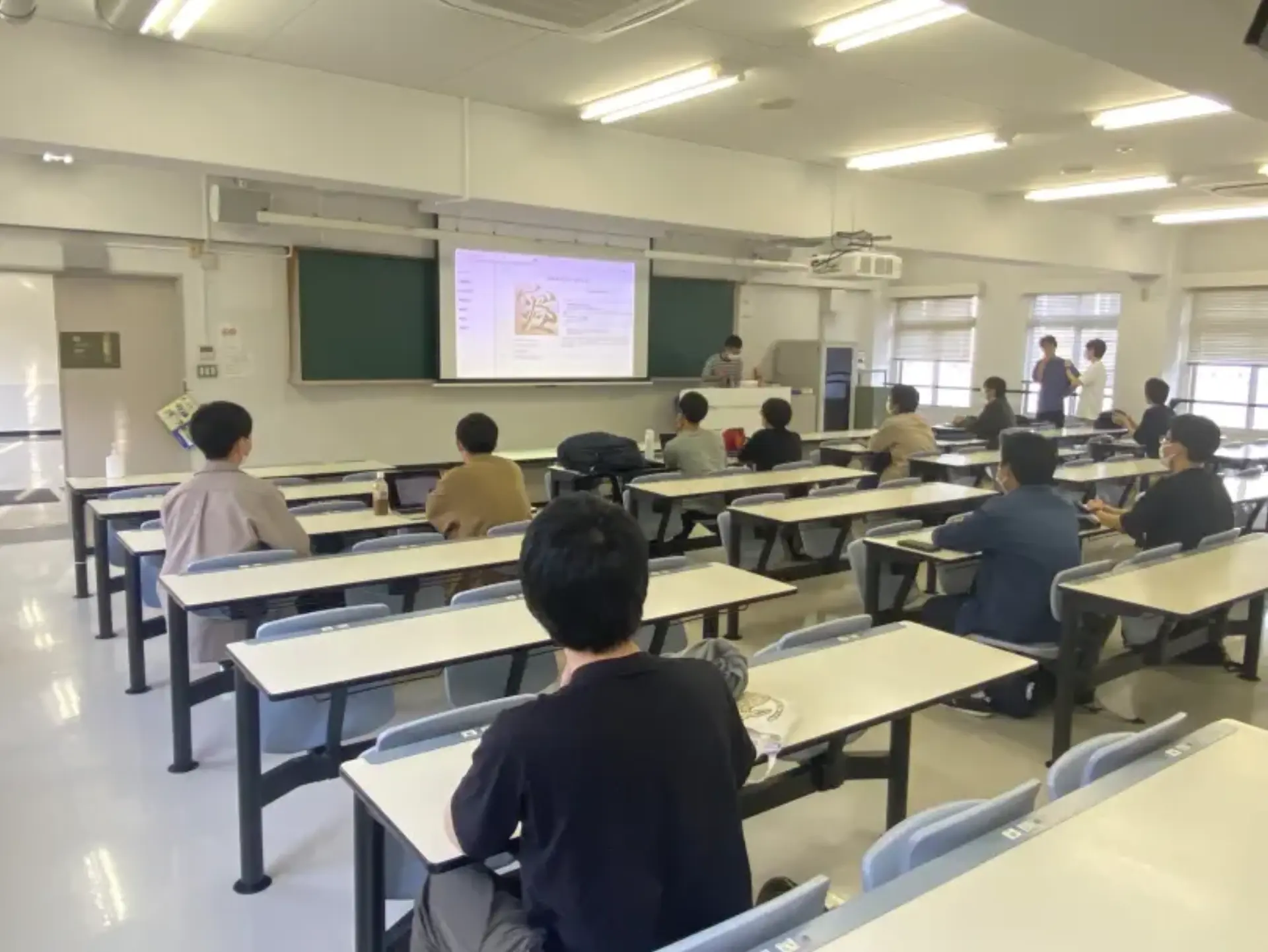
三次元の歩行軌跡
出席率
- 3年セミナー:??%
スケジュール
短期的な予定
- [x] Unityでアニメーション
- [ ] 直角, 並行から歩行軌跡を綺麗に
進捗
Unityでアニメーション
c#スクリプトの注意点
ファイル名とクラス名を一致させなければならない
(2時間無駄にした...)
オブジェクトの移動(キーボード)
<iframe width="560" height="315" src="https://www.youtube.com/embed/TvVuvuxcTOc" title="YouTube video player" frameborder="0" allow="accelerometer; autoplay; clipboard-write; encrypted-media; gyroscope; picture-in-picture; web-share" allowfullscreen></iframe>
this.transform.position = new Vector3(x, y,z);
単純な移動はこれだけ
軌跡に沿ったオブジェクトの移動
<iframe width="560" height="315" src="https://www.youtube.com/embed/-4mBXV7yWng" title="YouTube video player" frameborder="0" allow="accelerometer; autoplay; clipboard-write; encrypted-media; gyroscope; picture-in-picture; web-share" allowfullscreen></iframe>
使用したデータは 前回 のもの
void Start() {
    ...
    while (!reader.EndOfStream) {
        string[] line = reader.ReadLine().Split(',');
        float x = float.Parse(line[1]);
        float y = float.Parse(line[2]);
        float z = float.Parse(line[3]);
        positions.Add(new Vector3(x, z, y));
    }
    ...
}

void Update() {
    // アニメーションを実行する
    timer += Time.deltaTime * 4;
    if (timer >= 1f) {
        Debug.Log(timer);
        currentIndex++;
        if (currentIndex >= positions.Count) currentIndex = 0;

        transform.position = positions[currentIndex];
        timer = 0;
    }
}
GIFアニメみたい
=> 動作をなめらかにした
1歩進むごとの時間間隔が一定となっている
=> 測定時に合わせたい
実際の時間間隔に合わせたもの
<iframe width="560" height="315" src="https://www.youtube.com/embed/K2JixDncg1s" title="YouTube video player" frameborder="0" allow="accelerometer; autoplay; clipboard-write; encrypted-media; gyroscope; picture-in-picture; web-share" allowfullscreen></iframe>
実際の4倍速にしてある
次に移るまでの間隔を前の位置からの時間差に変更
void Start() {
    ...
    while (!reader.EndOfStream) {
        string[] line = reader.ReadLine().Split(',');
        float x = float.Parse(line[1]);
        float y = float.Parse(line[2]);
        float z = float.Parse(line[3]);
+       positions.Add(new Vector3(x, z, y));
+       times.Add(float.Parse(line[0]));
    }
    ...
}

void Update() {
    // アニメーションを実行する
    timer += Time.deltaTime * 4;

+   float diff_time;
+   if (currentIndex == 0) diff_time = 0;
+   else diff_time = times[currentIndex] - times[currentIndex - 1];

+   if (timer >= diff_time) {
        currentIndex++;
        if (currentIndex >= positions.Count) currentIndex = 0;

        transform.position = positions[currentIndex];
        timer = 0;
    }
}
滑らかにしたもの
<iframe width="560" height="315" src="https://www.youtube.com/embed/TBRMeLTtI4c" title="YouTube video player" frameborder="0" allow="accelerometer; autoplay; clipboard-write; encrypted-media; gyroscope; picture-in-picture; web-share" allowfullscreen></iframe>
自分で実装するのは大変だからアセット DG.Tweening を使用した
+ using DG.Tweening;

void Update() {
    // アニメーションを実行する
    timer += Time.deltaTime * 4;

    float diff_time;
    if (currentIndex == 0) diff_time = 0;
    else diff_time = times[currentIndex] - times[currentIndex - 1];

    if (timer >= diff_time) {
        currentIndex++;
        if (currentIndex >= positions.Count) currentIndex = 0;

-       transform.position = positions[currentIndex];
+       this.transform.DOMove(positions[currentIndex], diff_time);
        timer = 0;
    }
}
速度差がわかりづらい
=> 速さを変えたデータでもやるべきだった
余談
シス研の1年でweb制作&発表会をした
自分たちで技術力を上げていきたい!
自作のHUGOテンプレート
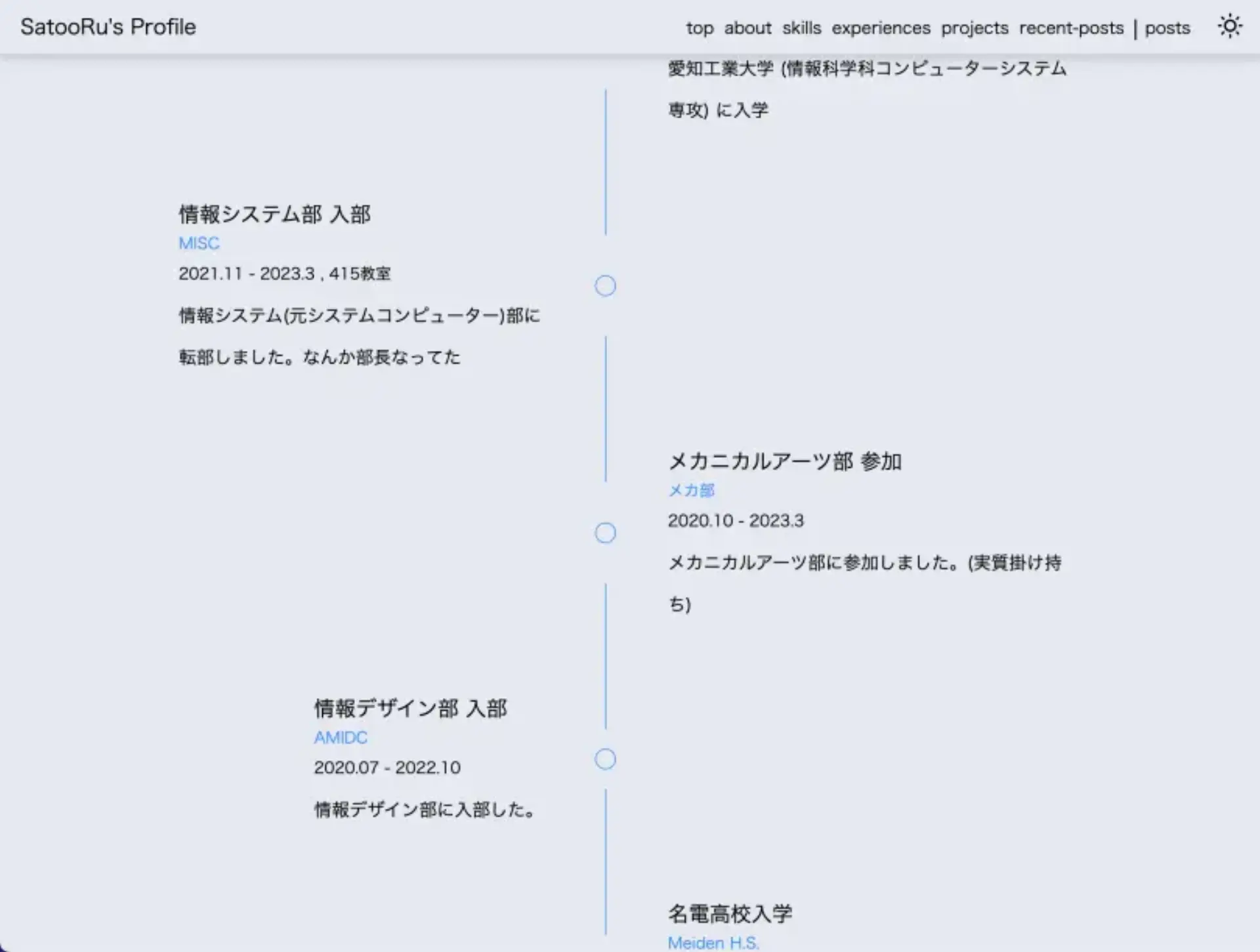
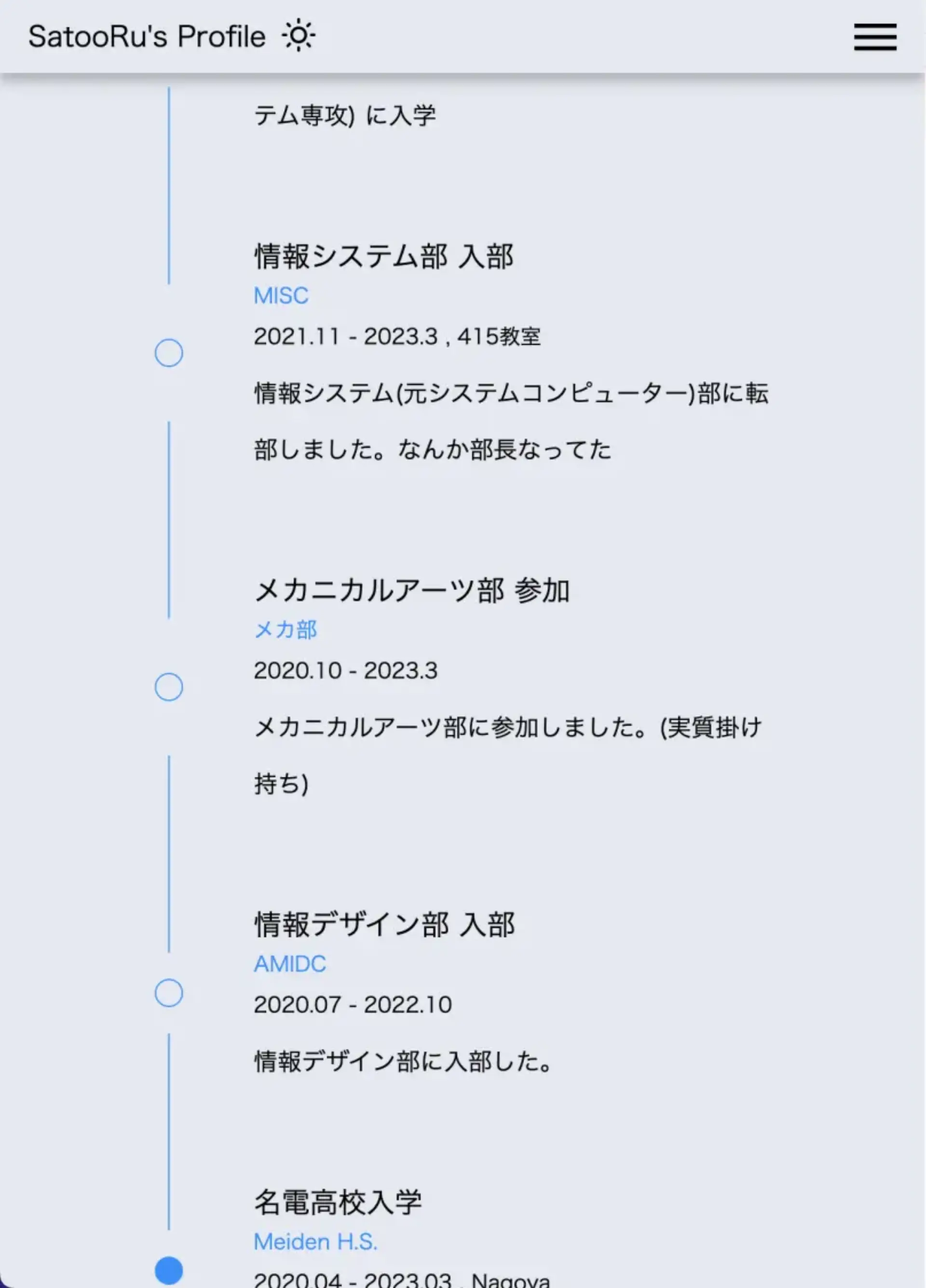
css 楽しい