梶研 [mocopi センシング の環境を整える (Unity完全に理解した)]
2023年12月19日
mocopi センシング の環境を整える (Unity完全に理解した)
出席率
- 3年セミナー:??%
スケジュール
短期的な予定
- [ ] mocopi でセンシング(~12月)
- [x] mocopi x Unity
- [x] 色んな動作をとる
- [x] 誤差を計測(簡易)
- [x] 動作をグラフ化
- [x] bvhをパースするパッケージを作る
- [x] csv に書き出せるアプリを作る
- [x] 複数人の絡みを取ってみる
- [x] ブラウザで動作を確認できるようにする(gLTF形式の理解)
- [ ] Unity で複数人の動作を可視化する
長期的な予定
- ブルーシートばたばたの使い道を考える
- ライブセンシングの使い道を考える
- PDR やりたい
進捗報告
Unity で複数人の動作を可視化する
結果
できませんでした...
↓
既存のパッケージの組み合わせで出来そう
↓
出来ない
↓
スクリプトを自作できそう(一旦置いとく)
↓
既存のパッケージに合うBVHファイルを生成するスクリプトを書く
↓
分からない(パッケージが壊れてる?)
↓
fbx に変換してからUnityに取り込めば再生できた
やったこと
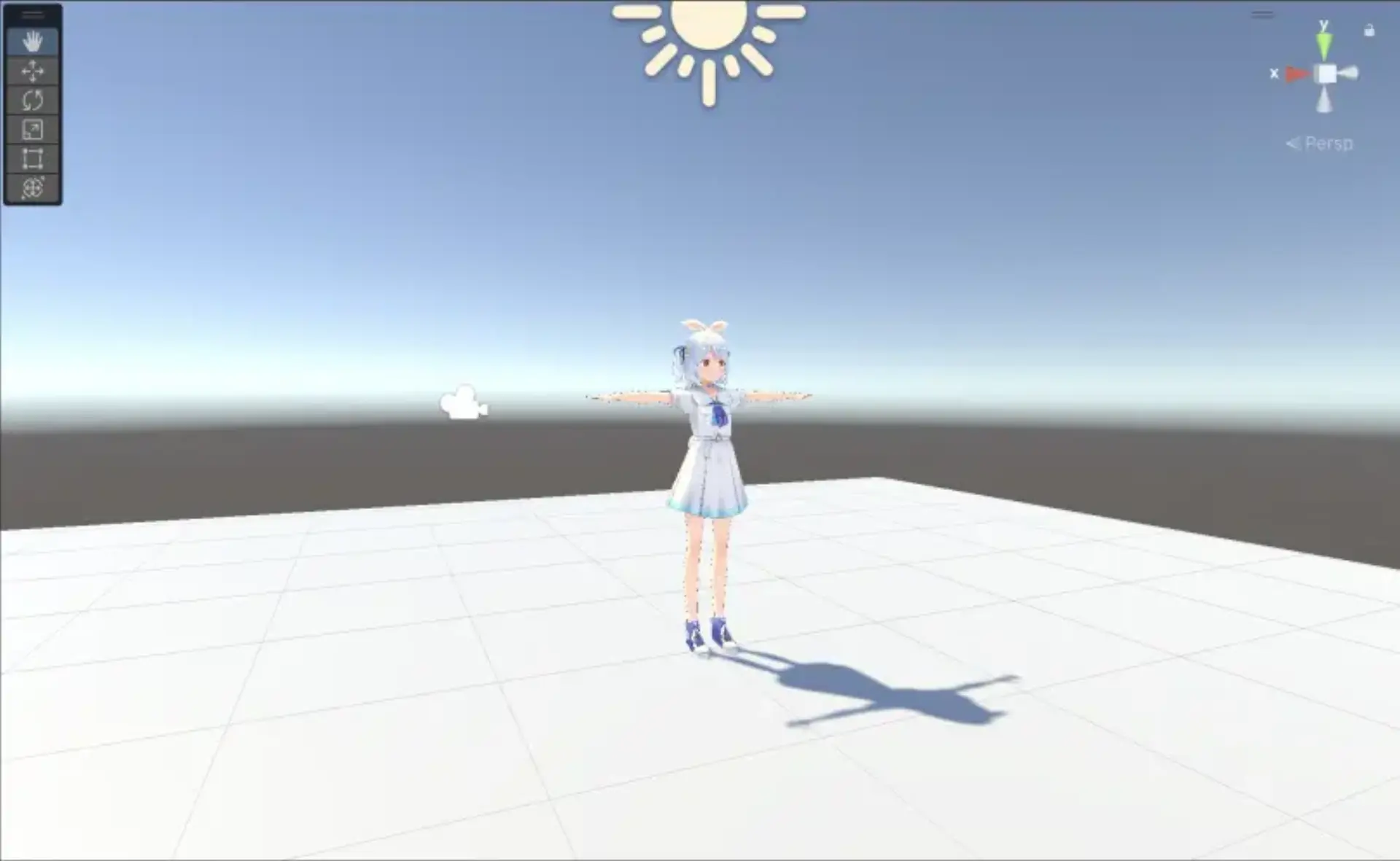
UnityでVRMモデルを読み込む
参考: https://github.com/vrm-c/UniVRM/releases
UniVRMというパッケージを使用してVRMをHumanoidにする
Assets に取り込んで、Migrate To Vrm 1 を押すだけでできる
Animation Clipを再生する
それっぽい攻撃をしてポーズをとってくれるカッコいい系のanimationファイル
というのを拾ってきてvrmに適用に適用
プレビュー画面
<iframe width="940" height="688" src="https://www.youtube.com/embed/JOOZtxnFGHs" title="Unity で vrm と animation clip(途中)" frameborder="0" allow="accelerometer; autoplay; clipboard-write; encrypted-media; gyroscope; picture-in-picture; web-share" allowfullscreen></iframe>
実際にモデルに反映させたいがわからない...
↓
animation controller を使う
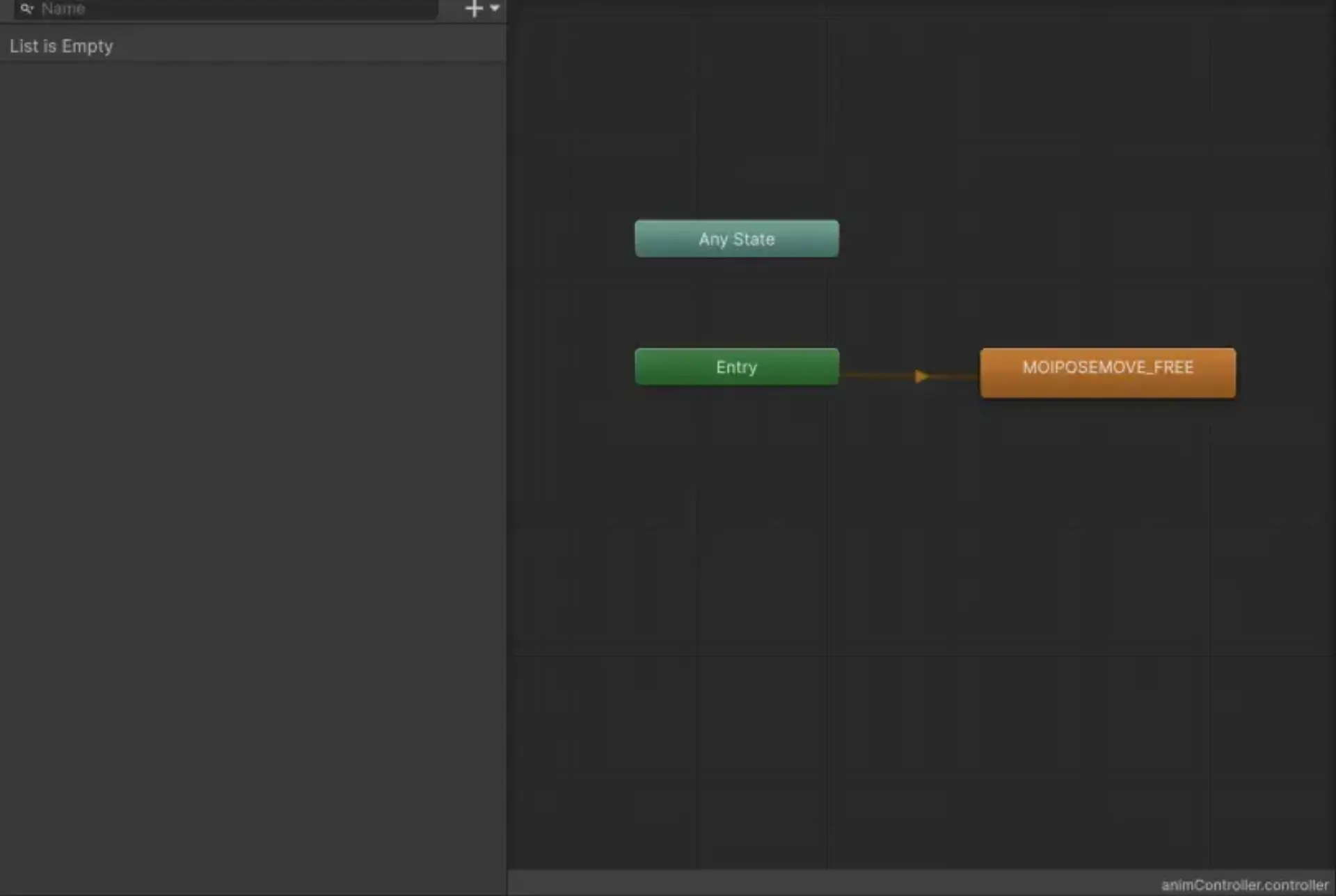
Animator タブでコントローラーを指定したら動いた
<iframe width="1028" height="688" src="https://www.youtube.com/embed/of-X_TpF7to" title="Unity で vrm と animation clip" frameborder="0" allow="accelerometer; autoplay; clipboard-write; encrypted-media; gyroscope; picture-in-picture; web-share" allowfullscreen></iframe>
BVHをanimation clipにする
BVH を animatoin clip にしてくれる UniVRM を使う
↓
モーションが消えてしまっている
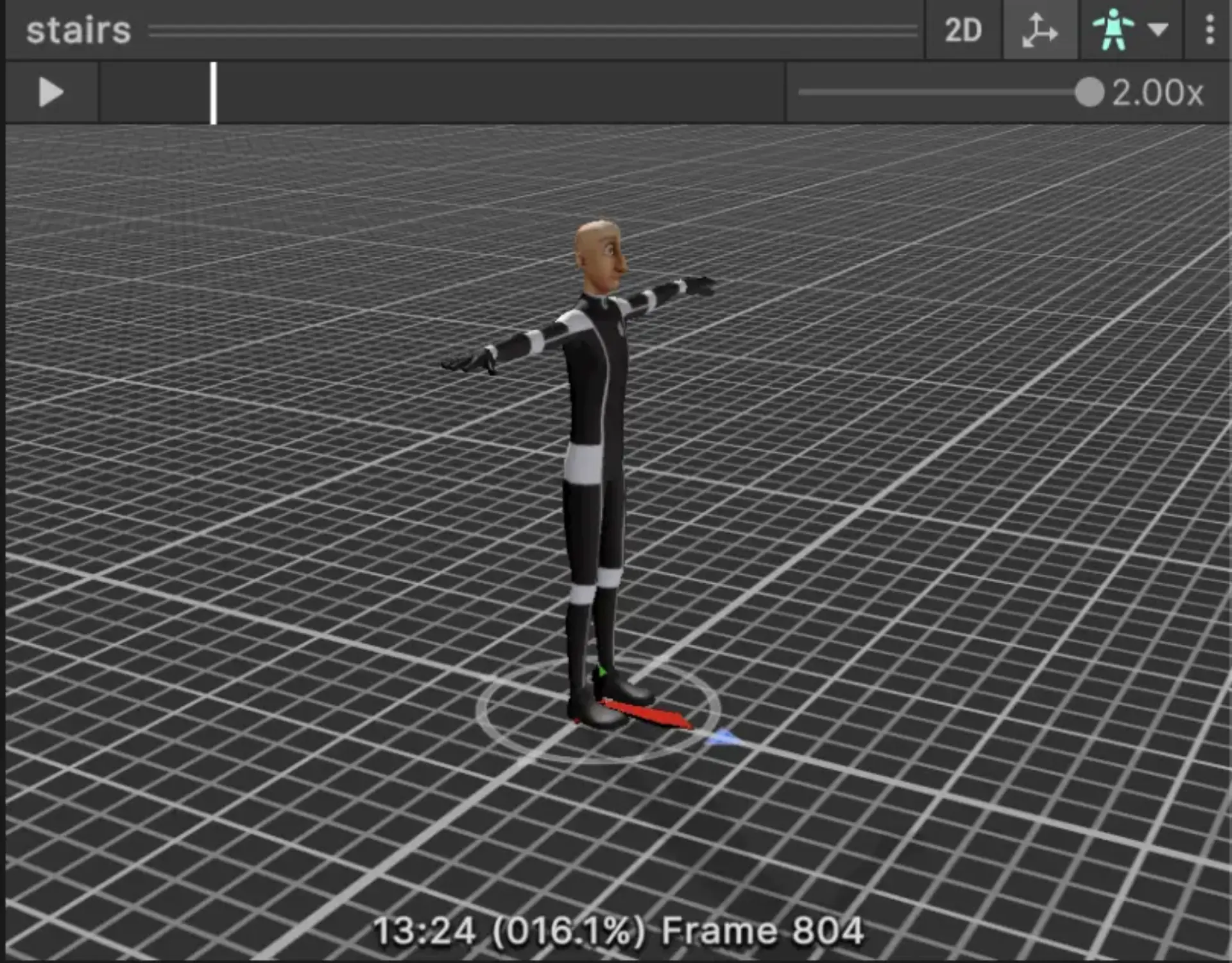
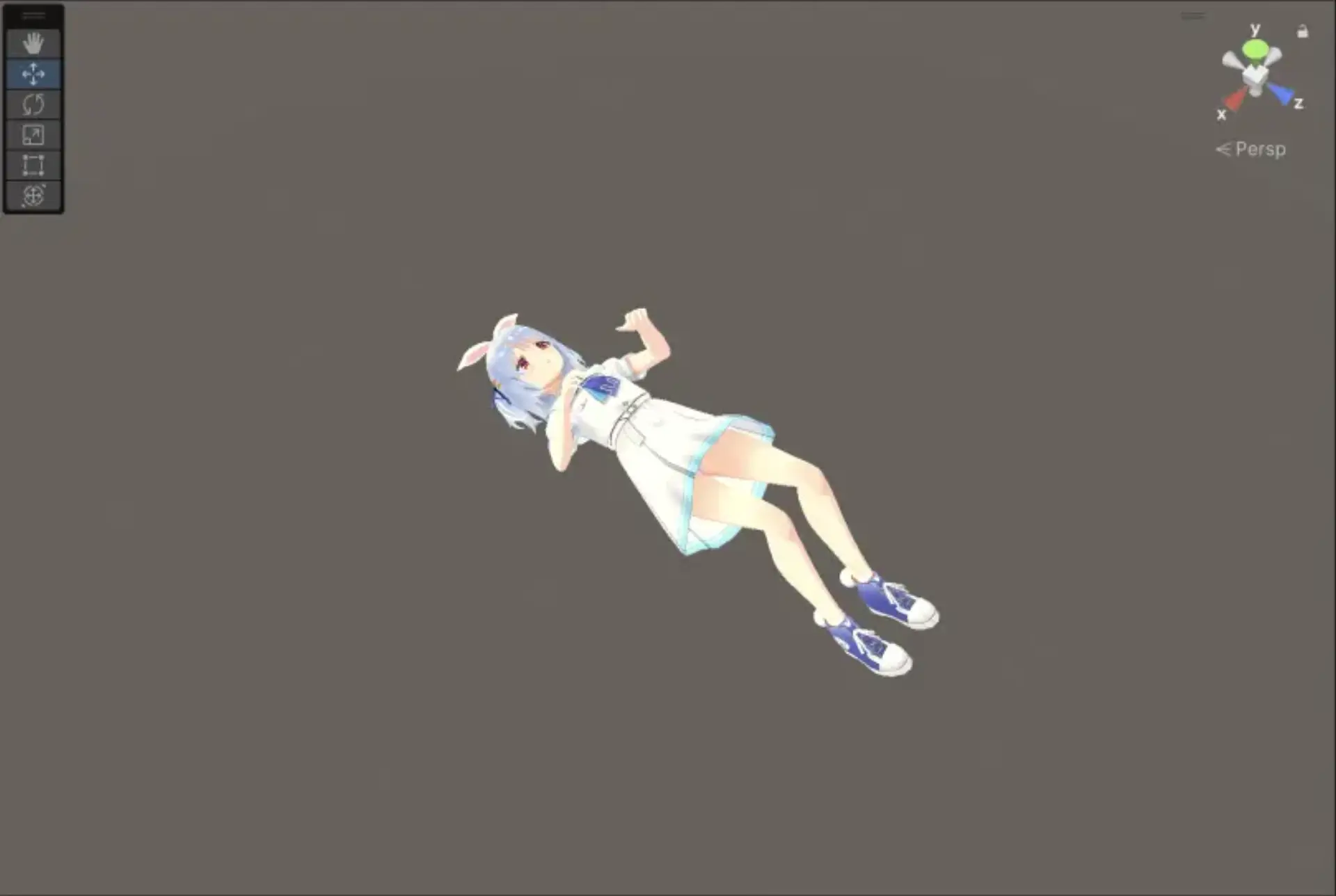
原因: 互換性のないBVHだった (VRMドキュメント)
BVHをUniVRMに対応する形にする
実線丸が必須のボーン
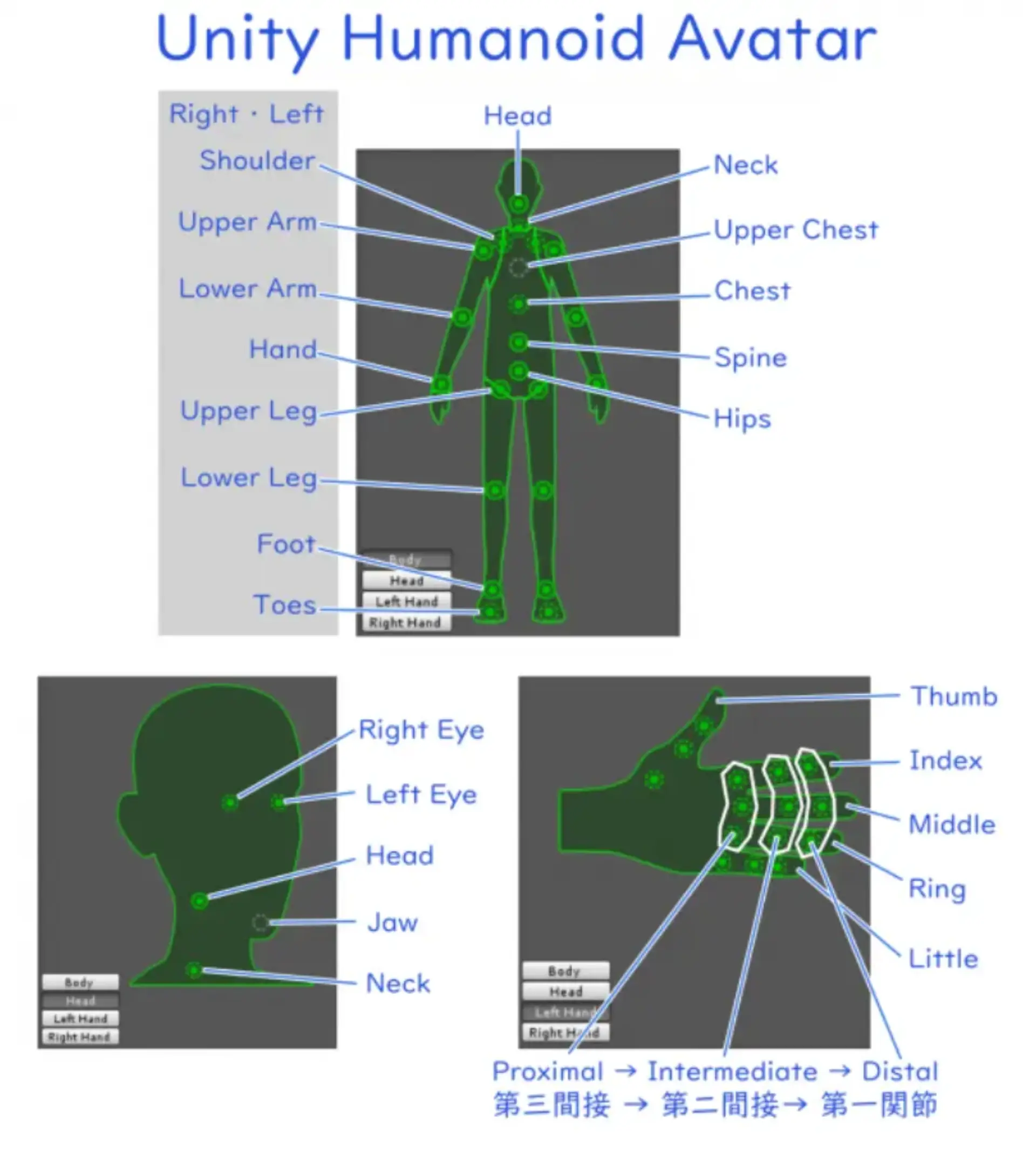
<details>
<summary>mocopi と UniVRM(Humanoid) のボーン名の違い</summary>
mocopiでのボーン名 | UniVRM(Humanoid) のボーン名(*は任意)
-------|-------
root | Hips
torso_1 | Spine
torso_4 | Chest
torso_7 | UpperChest*
neck_1 | Neck
head | Head
l_shoulder | LeftShoulder
luparm | LeftUpperArm
llowarm | LeftLowerArm
l_hand | LeftHand
r_shoulder | RightShoulder
ruparm | RightUpperArm
rlowarm | RightLowerArm
r_hand | RightHand
lupleg | LeftUpperLeg
llowleg | LeftLowerLeg
l_foot | LeftFoot
l_toes | LeftToes*
rupleg | RightUpperLeg
rlowleg | RightLowerLeg
r_foot | RightFoot
r_toes | RightToes*
</details>
手動で置き換えてみたが動かなかった。
テストで使われているBVHを使ってみたがダメだった。
Muscle Power が全て0(デフォルト) の状態
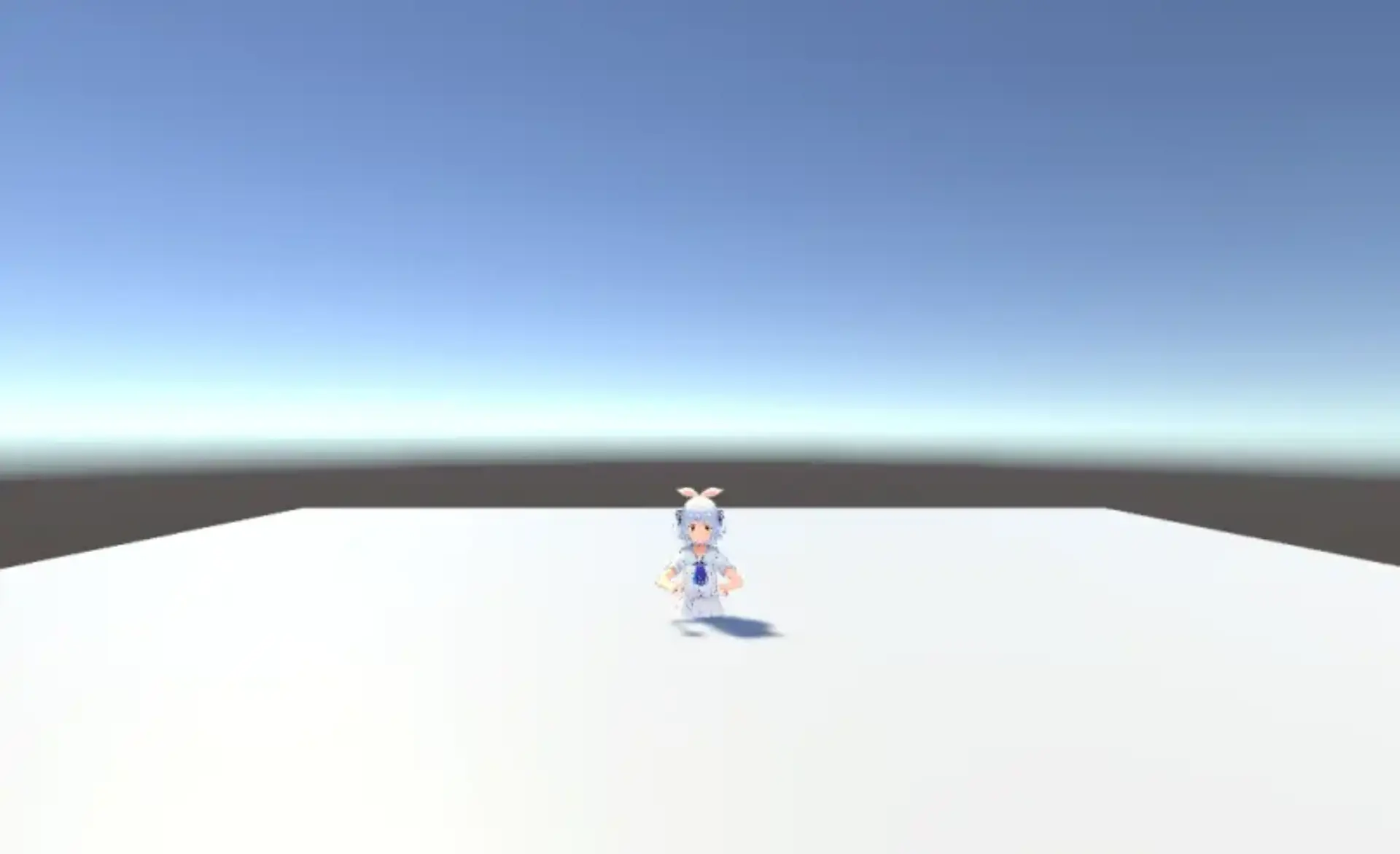
Blender で fbx に変換してから再生する
Blender を経由する必要があるのは面倒だけど物は試しとしてやってみる(参考)
ダメだった
原因: RigのAnimation Typeを Humanoid に変更していなかった
動いた
<iframe width="1131" height="688" src="https://www.youtube.com/embed/E7Za5izr1x0" title="" frameborder="0" allow="accelerometer; autoplay; clipboard-write; encrypted-media; gyroscope; picture-in-picture; web-share" allowfullscreen></iframe>
初期位置を変更することもできた
<iframe width="1169" height="658" src="https://www.youtube.com/embed/chrFkUB0q3g" title="mocopi x Unity fbx形式に変換して再生してみた & 初期位置を変更" frameborder="0" allow="accelerometer; autoplay; clipboard-write; encrypted-media; gyroscope; picture-in-picture; web-share" allowfullscreen></iframe>
bvhからfbxへの変換が面倒だったので、Automatorで自動化した
<iframe width="725" height="688" src="https://www.youtube.com/embed/hDehKaM9bHY" title="" frameborder="0" allow="accelerometer; autoplay; clipboard-write; encrypted-media; gyroscope; picture-in-picture; web-share" allowfullscreen></iframe>
ツイスターゲームを再生してみた
リアル
<iframe width="1169" height="688" src="https://www.youtube.com/embed/KASybmyXets" title="ツイスターゲーム mocopi 第一回戦" frameborder="0" allow="accelerometer; autoplay; clipboard-write; encrypted-media; gyroscope; picture-in-picture; web-share" allowfullscreen></iframe>
bvhsender
<iframe width="1169" height="658" src="https://www.youtube.com/embed/qkCMd2rb3y4" title="ツイスターゲーム 第一回戦 mocopi" frameborder="0" allow="accelerometer; autoplay; clipboard-write; encrypted-media; gyroscope; picture-in-picture; web-share" allowfullscreen></iframe>
Unity
<iframe width="1169" height="658" src="https://www.youtube.com/embed/DLGfhOvR8Bg" title="Unity ツイスターゲーム 第一回戦" frameborder="0" allow="accelerometer; autoplay; clipboard-write; encrypted-media; gyroscope; picture-in-picture; web-share" allowfullscreen></iframe>
体全体の位置が動いていない
ぺこらモデルはツイスターゲームを再生するには問題があったので、
Unityちゃんで再生した(テクスチャがバグっている)
<iframe width="1169" height="614" src="https://www.youtube.com/embed/GcOgtOt7jtU" title="Unity ツイスターゲーム UnityChan" frameborder="0" allow="accelerometer; autoplay; clipboard-write; encrypted-media; gyroscope; picture-in-picture; web-share" allowfullscreen></iframe>
ちゃんと屈んだり移動したりできていることは確認できた。
C#スクリプトから動かしてみた
ブラウザで動かした時のように、BVHをパースしてモデルを動かすことができそう
腕を動かしてみた
<video controls width="480" alt="画面収録 2023-12-17 18.42.00.mov (7.6 MB)" src="https://esa-storage-tokyo.s3-ap-northeast-1.amazonaws.com/uploads/production/attachments/13979/2023/12/17/148142/f7a1ebef-dcc6-4993-8986-086e29cf7d95.mov"></video>
この先の研究を考えた
「mocopi は長時間動くと狂う」
他のセンサと組み合わせて途中でキャリブレーションできないか
例)
歩いているとき、足が一定間隔で伸びると仮定すると
歩いているのに膝が最小でも30度曲がっている→ ー30度して調整(適当)
mocopiアプリと VRChat等の中間で処理を挟んで補正できたら嬉しいかも
進路関係
なし
余談
スマホが帰ってきた
先週、ぺこライブに行ったとき有明アリーナに落としてきた
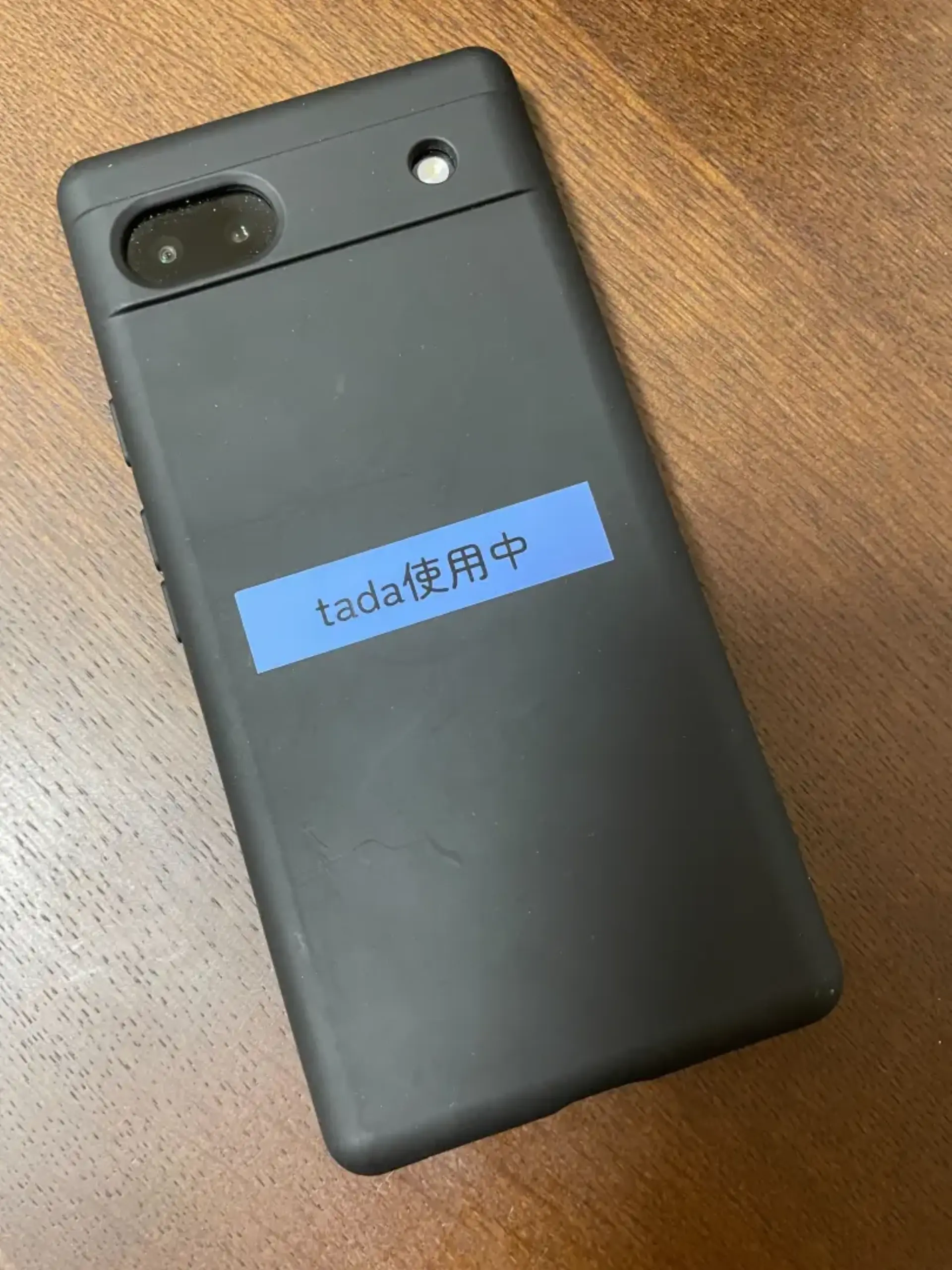
特徴的な文字を書いておくと伝えやすくておすすめです